
Utilities
ScanFree: scan a document to PDF, no subscription and no account
ScanFree scans your documents with the camera, detects the edges, straightens the perspective, then exports a PDF you share or save. No subscription, no sign-up, no Android permission requested: processing happens entirely on the phone.
Get it on Google Play App Store
Available on
- Version
- 1.0.7
- Available on
- Google Play App Store
- Language
- Français, English, Deutsch, 日本語, Español, Italiano, Nederlands, Português, Svenska, Dansk, Norsk bokmål, 한국어
- Automatic edge detection and perspective straightening
- Zero Android permissions requested, no sign-up
- Handwritten signature and text annotations on any page
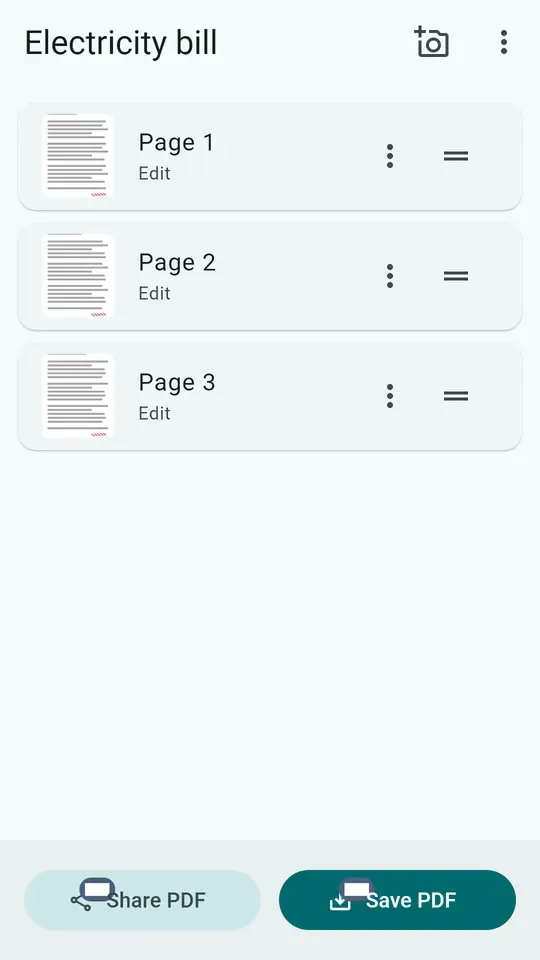
- Multi-page documents, reorderable by drag and drop
- Multi-page PDF export or page-by-page JPEG
- Grayscale, black and white, contrast and shadow-removal filters
- Completely free, no subscription and no paid tier
Scan, without installing anything else
ScanFree uses Google ML Kit’s document scanner, already present on the device via Play Services. In practice:
- automatic edge detection, with adjustable cropping;
- perspective straightening — a photo taken at an angle comes out flat;
- filters and shadow/stain removal.
Processing is local and works offline.
Zero permissions, and it’s not a small detail
Most scanning apps ask for camera and storage access. ScanFree asks for none: the scanner runs inside a Google Play Services activity, and saving goes through the Android file picker.
That’s the technical reason your documents can’t end up anywhere else.
Edit, sign, annotate
Crop and straighten
Free-form, A4 portrait, A4 landscape, square, 4:3, 3:4. Rotation left and right.
Filters
Grayscale, black and white, brighten, contrast+. A Restore original button undoes everything, at any time.
Sign and annotate
Freehand handwritten signature and text annotations, on any page. Enough to send back a signed contract without a printer.
A library, not a photo folder
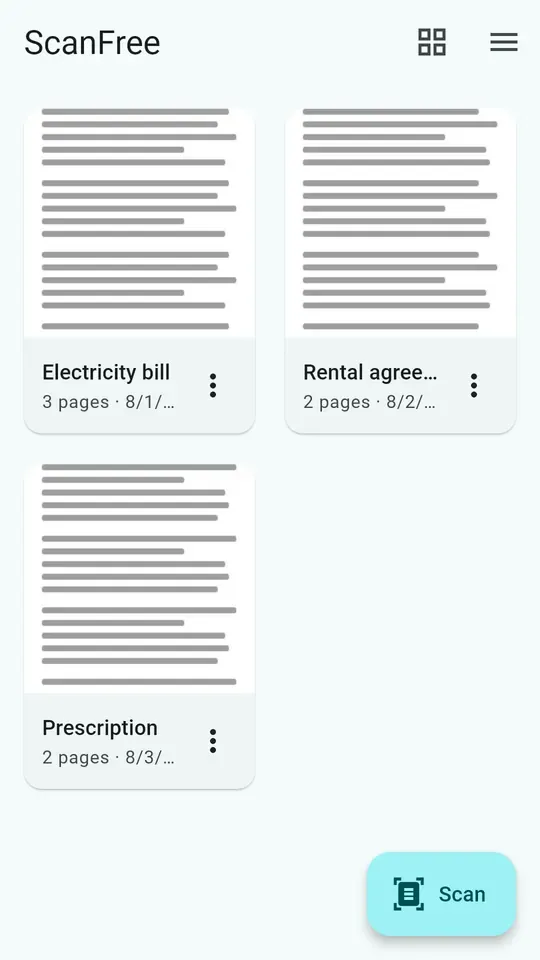
Your documents live in a library, with thumbnails — as a list, or in small or large tiles. You rename them, delete them, and can reopen a document scanned months ago to edit it.
Export and share
- Multi-page PDF, shared directly or saved via the Android file picker
- JPEG page by page, when a single image is enough
Free, and here’s how
No subscription, no paid tier, no watermark. The app is funded by rewarded videos at export time, with a compliant ad-consent prompt.
If you’re looking for an alternative to a subscription scanner, that’s exactly the point: the feature isn’t gated, there’s no paid tier that unlocks the PDF.
Which devices?
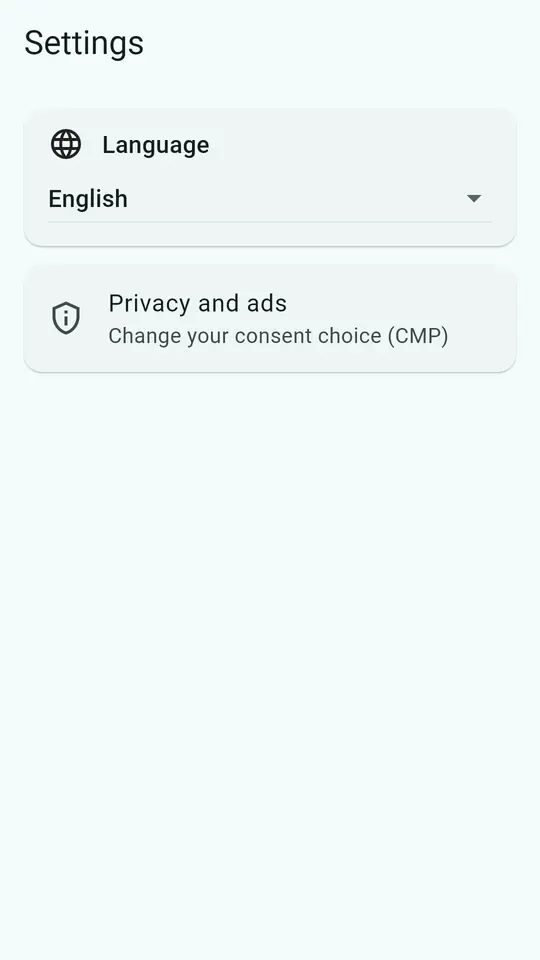
Android, at version 1.0.7, translated into twelve languages — and the screenshots on this page change with the language you’re reading.
Frequently asked questions
- Is ScanFree really free?
- Yes, entirely. No subscription, no paid tier, no watermark on your documents. The app is funded by rewarded videos at export time, which you can watch or skip.
- What permissions does the app request?
- None. The scanner runs inside an activity provided by Google Play Services, and saving goes through the Android file picker. ScanFree therefore needs neither camera access nor storage access.
- Are my documents sent to a server?
- No. All processing happens on the phone: edge detection, cropping, filters, PDF generation. No document ever leaves the device unless you share it yourself.
- Do I need to create an account?
- No. There's no sign-up, no login, no Google account to link. You install and you scan.
- Can you sign a document?
- Yes. You can apply a freehand handwritten signature and add text annotations on any page, before exporting to PDF.
- Can you scan several pages into one document?
- Yes. You scan pages one after another, can add more later, and reorder them by drag and drop. Export produces a single PDF.
- What crop formats are available?
- Free-form, A4 portrait, A4 landscape, square, 4:3 and 3:4, with rotation left and right. A "Restore original" button undoes every edit on a page.
- Which platforms is ScanFree available on?
- Android only, since the app relies on Google ML Kit's document scanner, which is specific to that platform.
Updated on